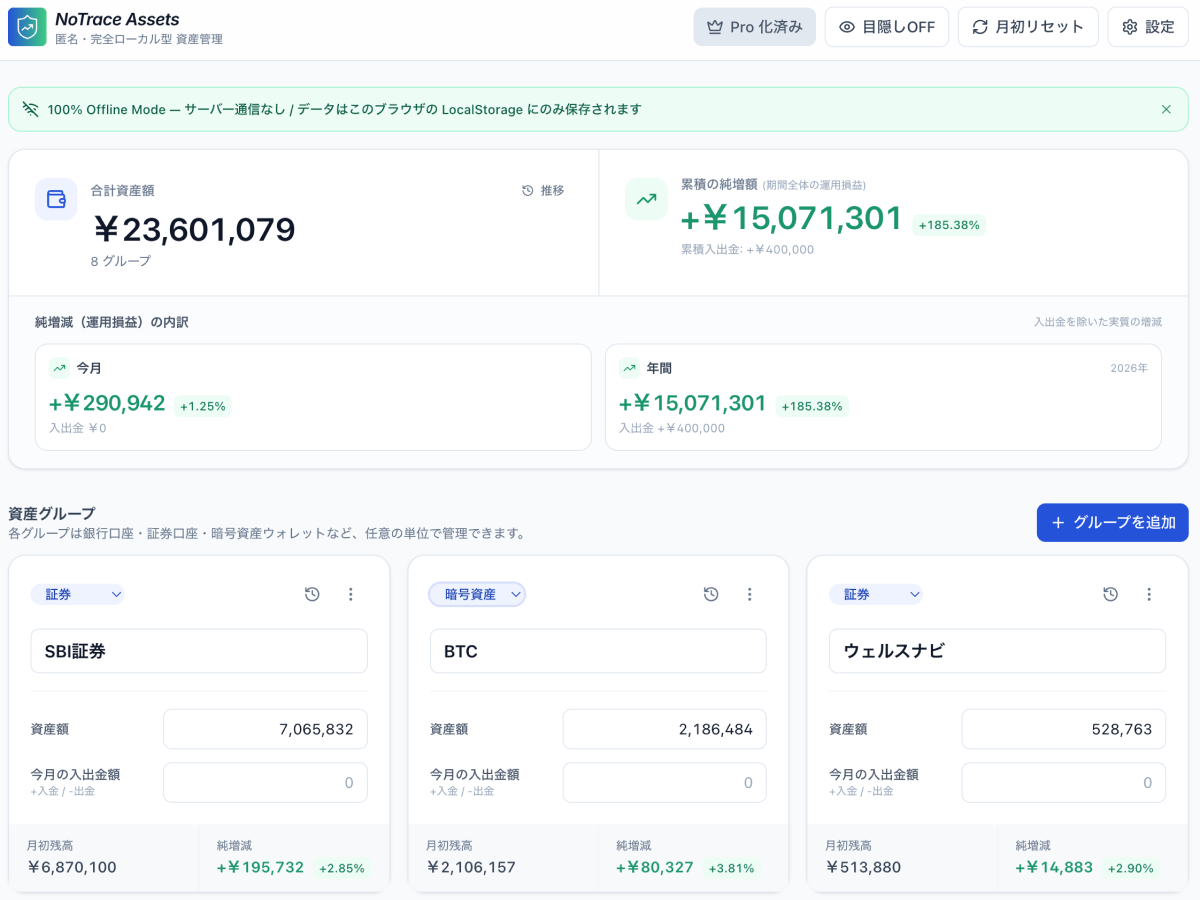
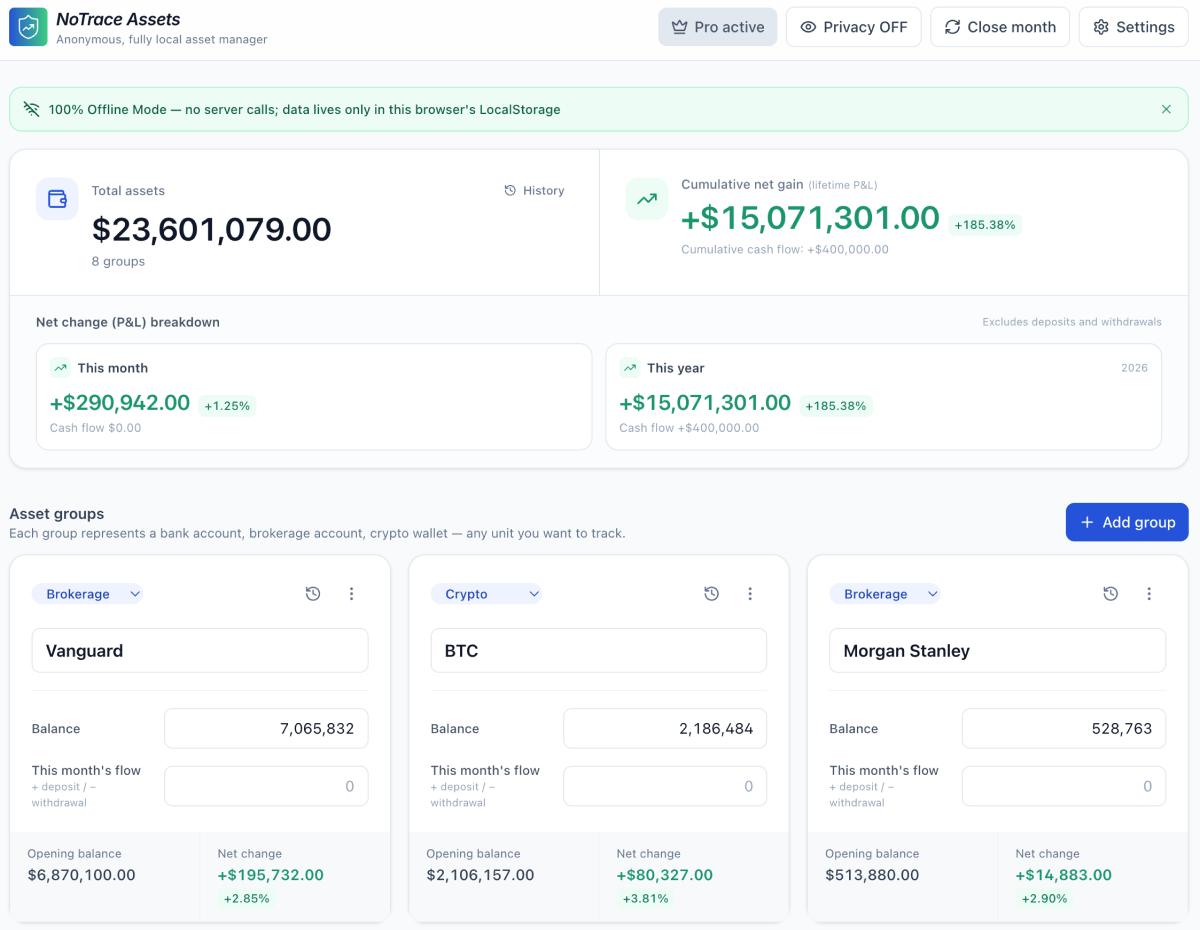
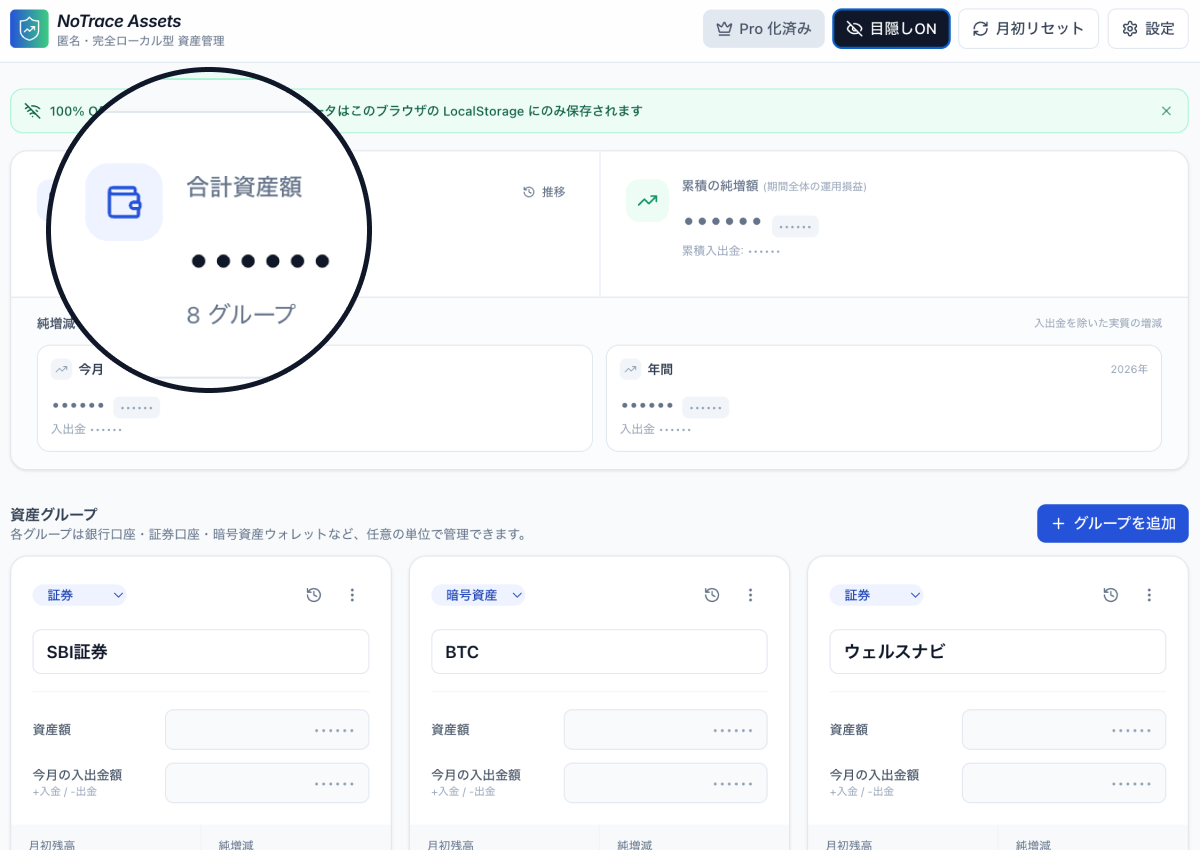
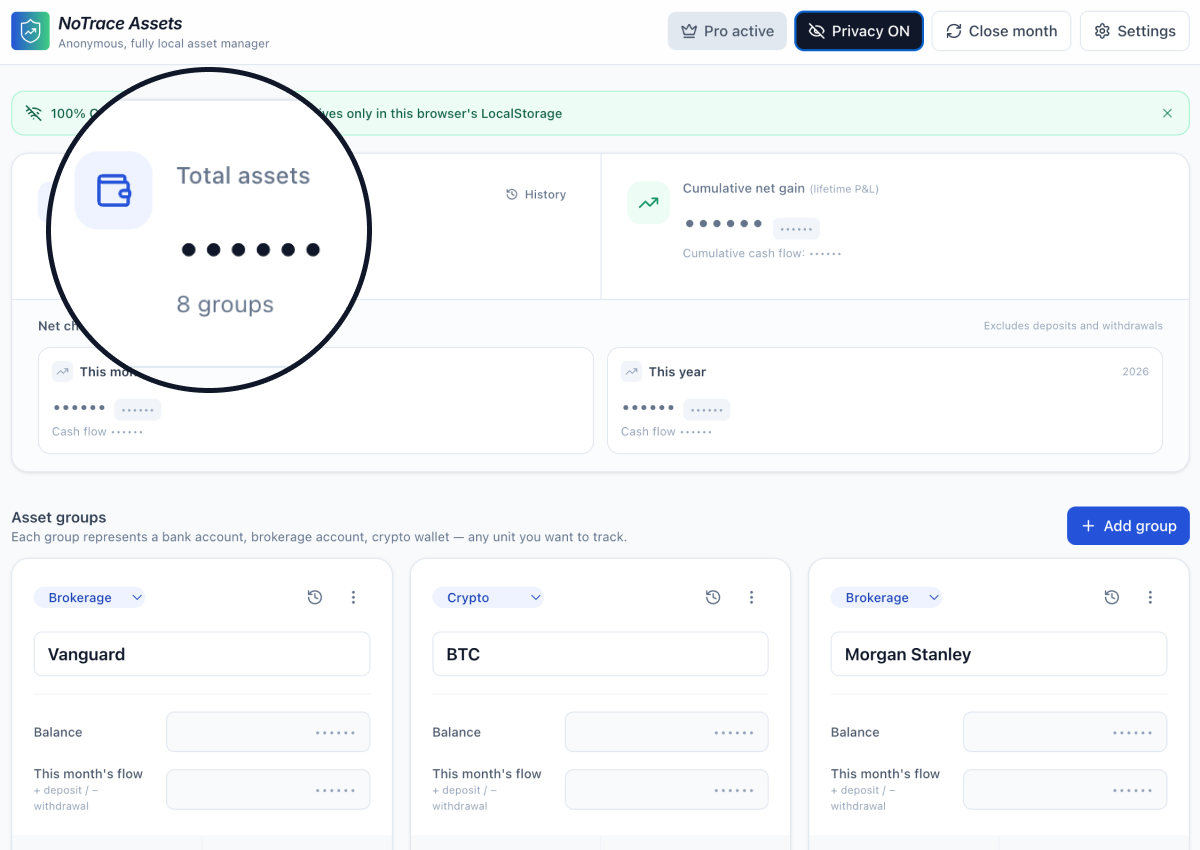
完全ローカル動作の資産管理ツール。サーバーなし・アカウントなし・広告なし。あなたのデータはあなたのブラウザの中だけ。 A fully local asset manager. No server. No account. No ads. Your data stays in your browser — only.
登録不要 · クレカ不要 · ブラウザですぐ動作 No signup · No credit card · Runs in your browser
資産情報ほど「漏れたら困るデータ」は他にない。だから、最初から送らない設計にしました。 Nothing leaks data more painfully than your net worth. So we built it to send nothing — by design.
CSP connect-src 'none' により、アプリが通信しようとしてもブラウザ自身がブロック。技術的に送信できません。
The app enforces connect-src 'none' in its CSP. Even if it wanted to phone home, the browser refuses.
メールアドレスも電話番号も、生年月日も不要。ブラウザを開いたその瞬間から使えます。私たちはあなたが誰かを知りません。 No email, no phone, no DOB. Open the browser and start using it. We don't know who you are — and we don't want to.
Google Analytics も Facebook Pixel もありません。このランディングサイトにすら。フォントも自前ホスト。 No Google Analytics. No Facebook Pixel. Not even on this landing page. Fonts are system-local too.
資産情報を整理するために必要なものだけ。余計なものは足していません。 Just what you need to see your net worth clearly. Nothing else.
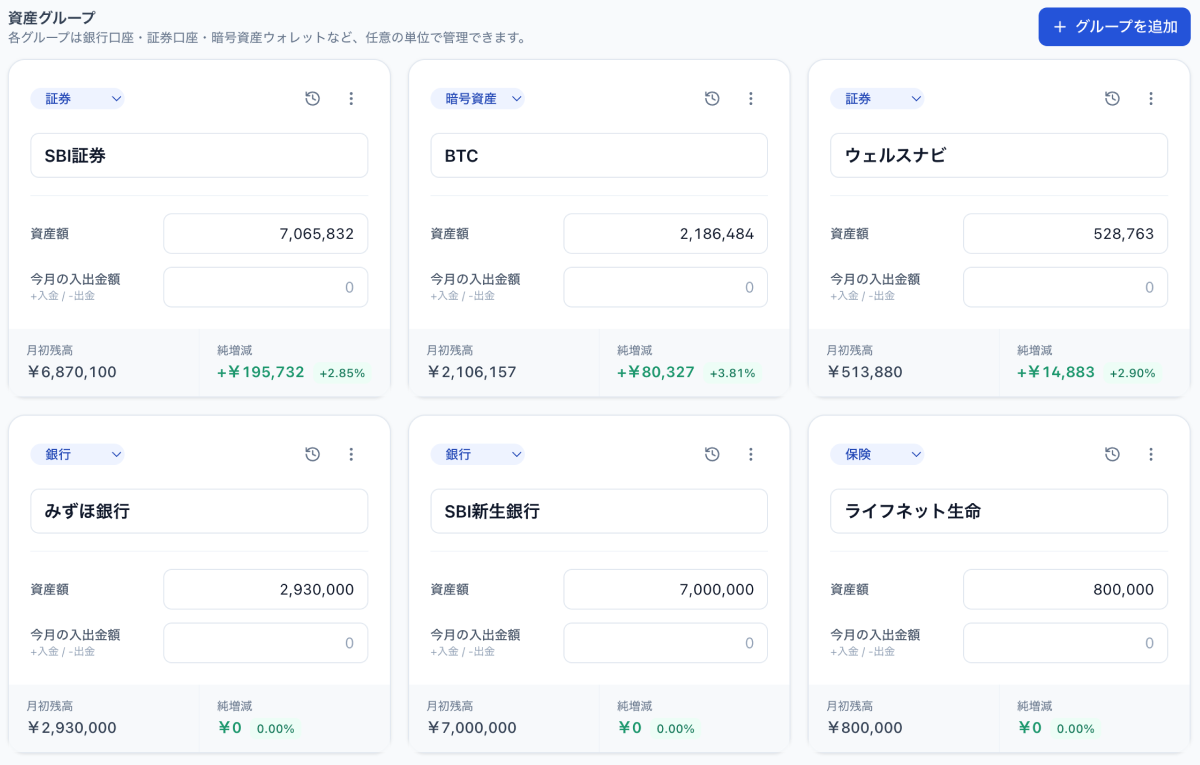
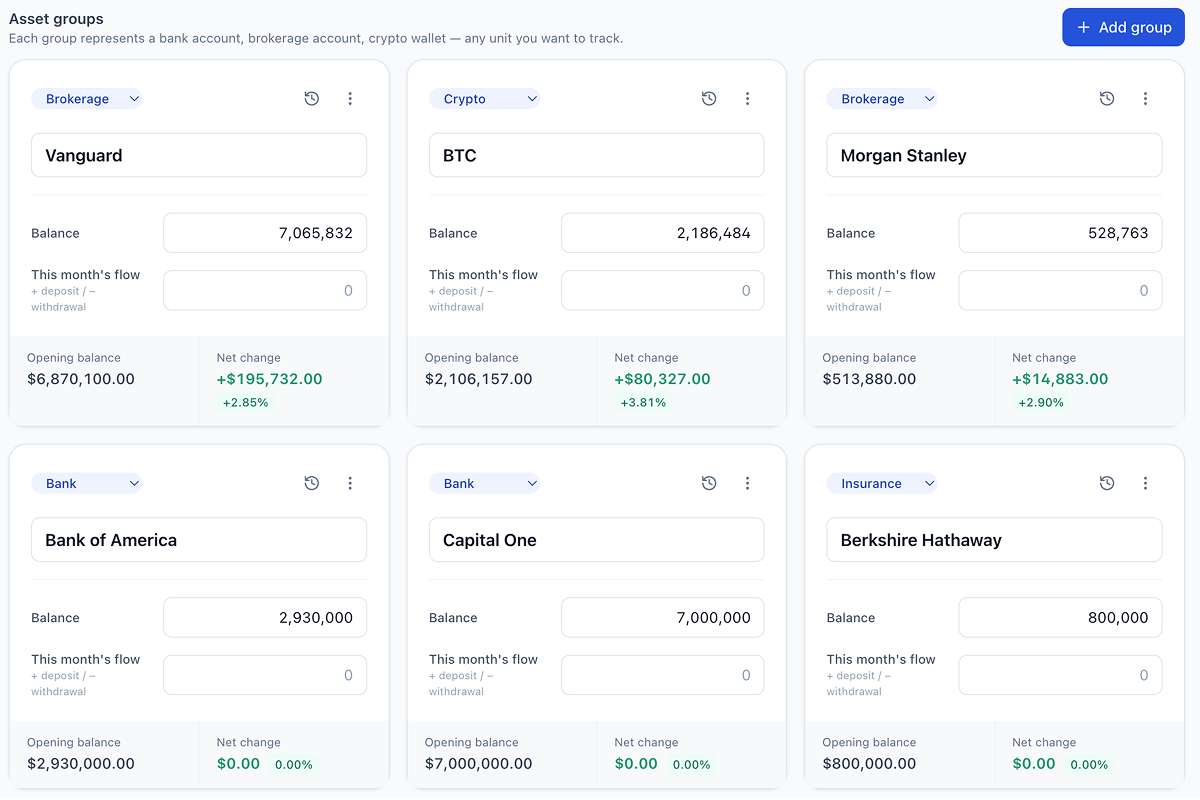
銀行・証券・仮想通貨・年金・不動産など、分類ごとにグループを作成して残高・入出金を記録。 Create groups for banks, brokerages, crypto, pensions, real estate, etc. Log balances and flows.
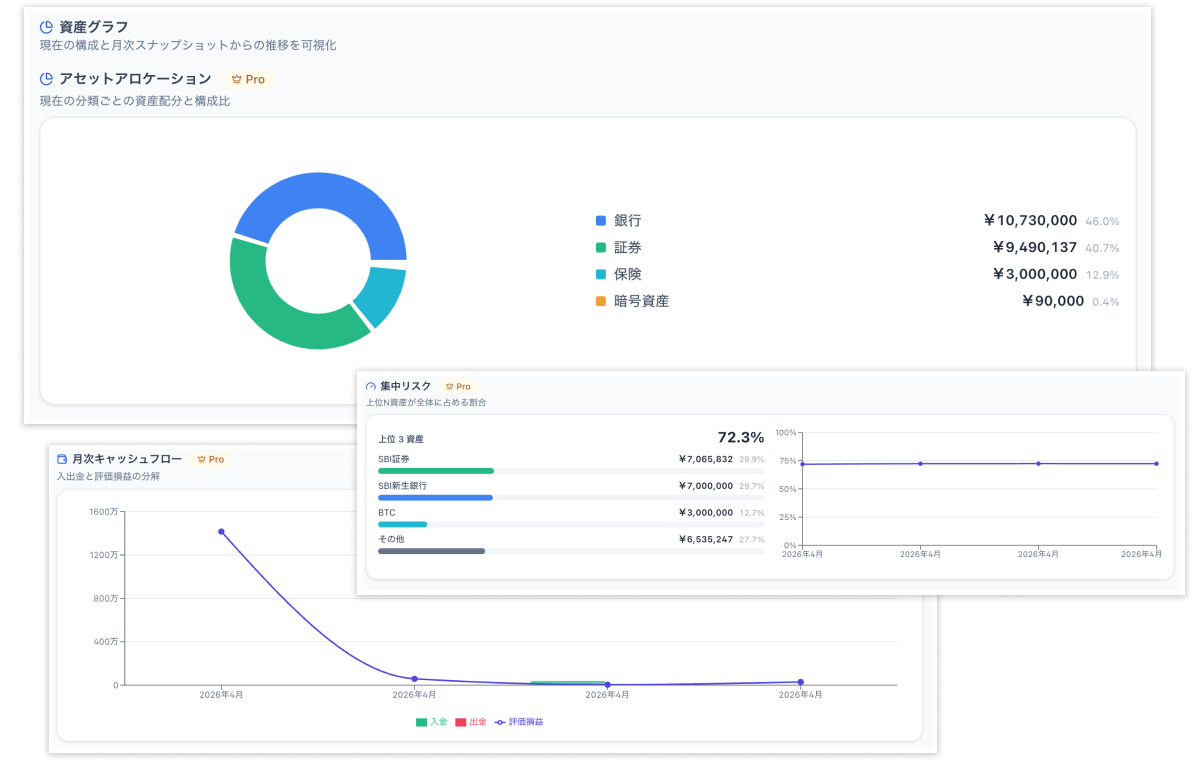
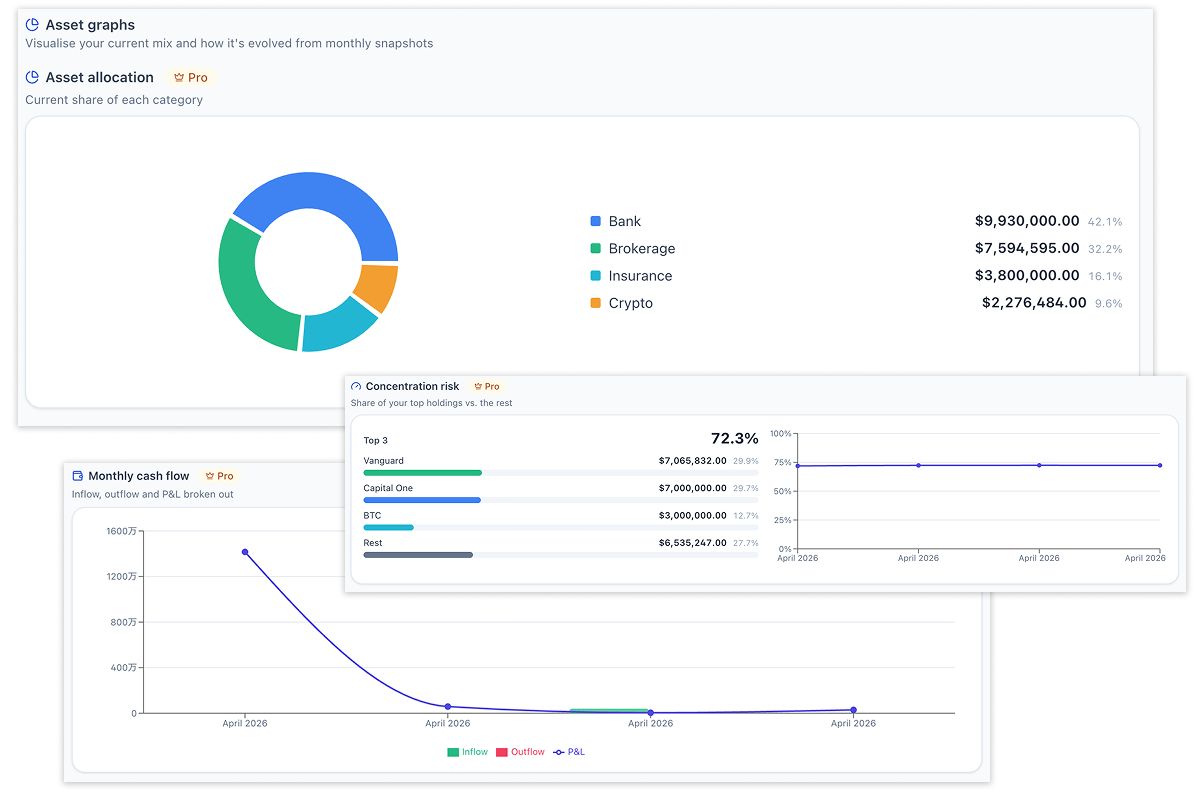
アセットアロケーション円グラフ、合計推移、分類比率推移、月次キャッシュフロー、集中リスク、ドローダウンを可視化。 Allocation pie, total trend, category mix, monthly cash flow, concentration risk and drawdown — all built in.
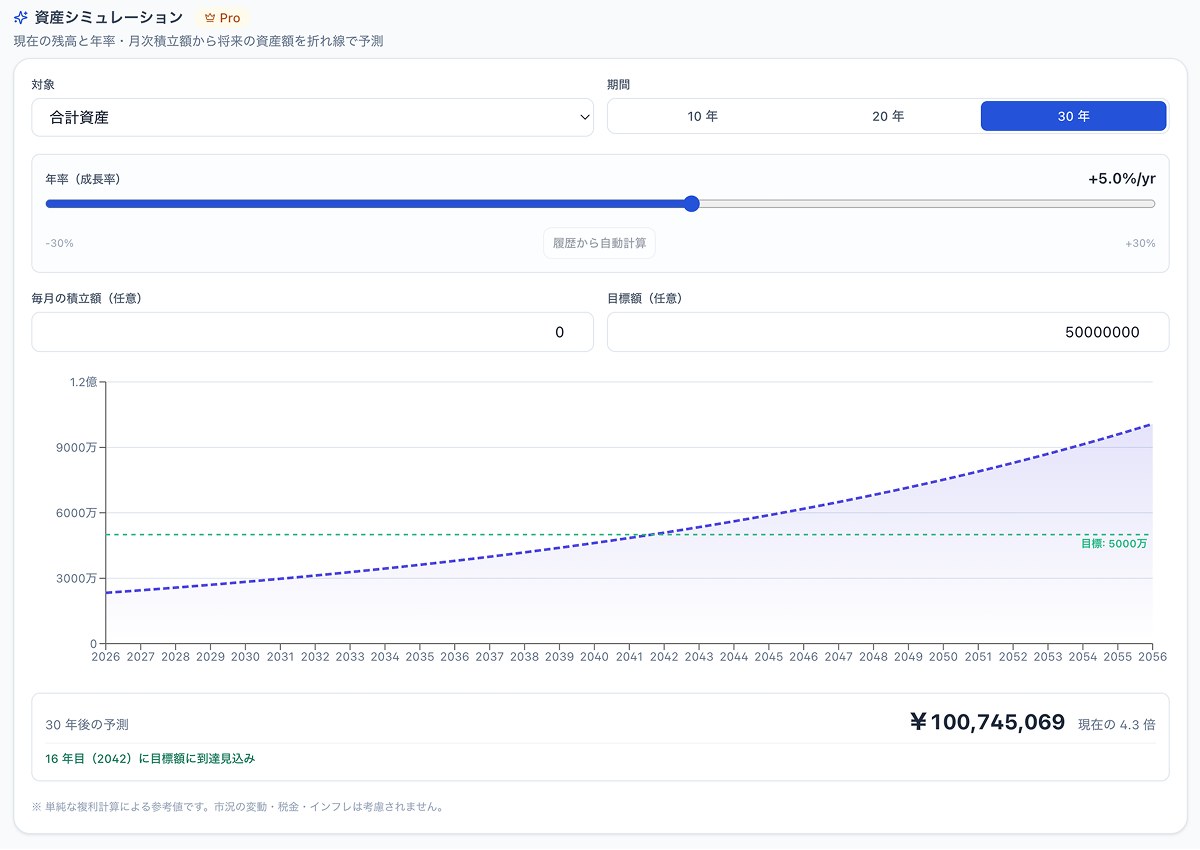
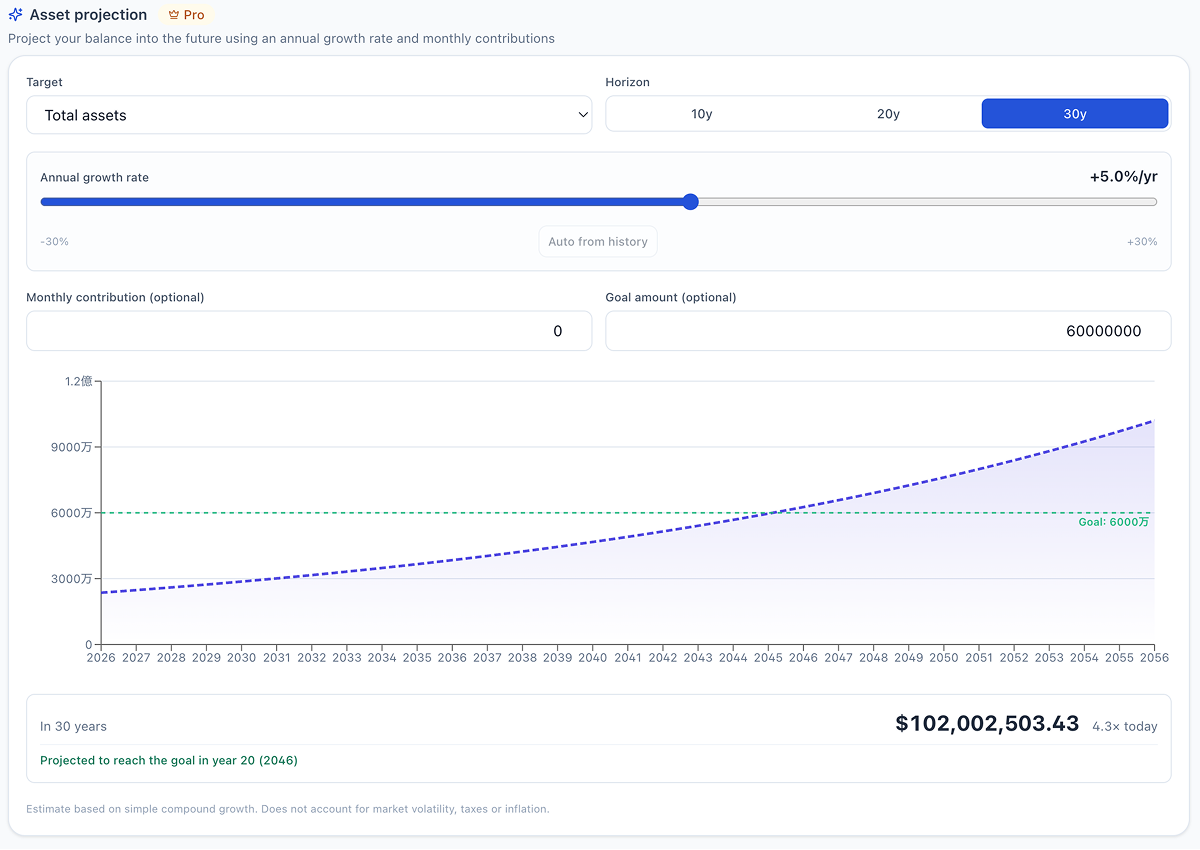
年率と月次積立額を指定するだけで将来資産を折れ線で予測。過去の履歴から年率を自動算出。目標額ラインも引けます。 Project future balance with a custom growth rate and monthly contributions. Auto-fit a rate from your own history. Draw a goal line.
ワンクリックで全ての金額を伏せ字に。カフェや電車内での「肩越しの視線」からあなたの資産を守ります。 One click masks every number on screen. Your balances stay hidden from shoulder-surfers in cafés and trains.
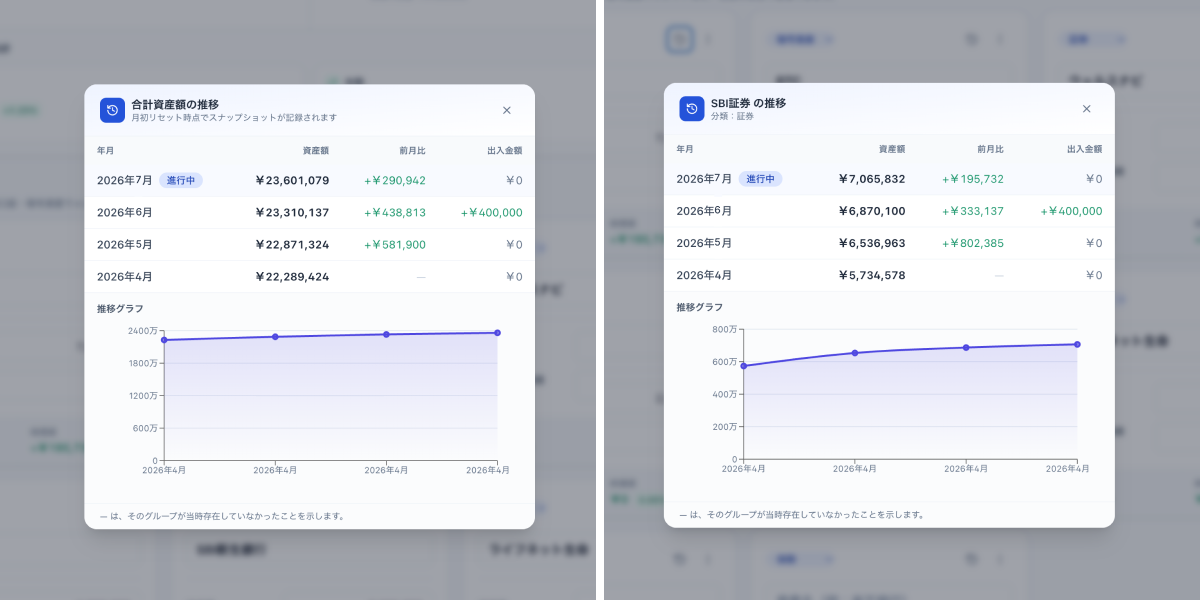
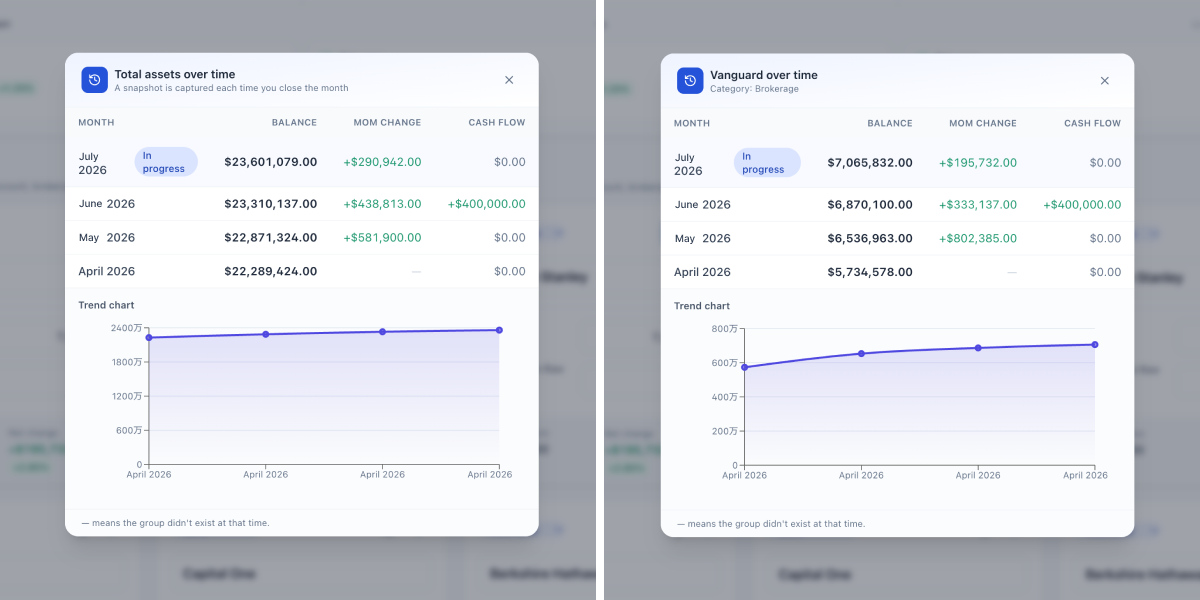
月初にボタンひとつでその月のスナップショットを履歴に保存。合計資産・各グループの推移を時系列で確認できます(Pro なら折れ線グラフでも)。 One tap at the start of each month stores a snapshot into history. Review trends of your total and per-group over time (Pro adds trend line charts).
「SBI 証券」「住信 SBI 銀行」など、口座単位でグループを作成。カテゴリ(銀行・証券・仮想通貨…)を選びます。 Add your accounts (e.g. "Vanguard", "Chase Checking") as groups, each with a category (bank, brokerage, crypto, etc.).
月が変わったら「月締め」を1回押すだけ。その月のスナップショットが履歴に保存されます。 When a month ends, press "Close month" once. That month's snapshot is written into history.
Pro を有効化すると、推移・構成比・集中リスク・ドローダウン・30年シミュレーションが一気に見られます。 Activate Pro to unlock trends, mix over time, concentration risk, drawdown and the 30-year projection — all at once.
シンプルに、買い切り。サブスクリプションではありません。 Simple. One-time purchase. Not a subscription.
ずっと無料 Free forever
買い切り・ライフタイム One-time · Lifetime
Polar.sh 経由 · 30 日返金保証 Via Polar.sh · 30-day refund guarantee
ブラウザの localStorage にのみ保存されます。これは OS のあなたのユーザーディレクトリ配下(例: macOS Chrome なら ~/Library/Application Support/Google/Chrome)にファイルとして存在し、外部には一切送信されません。アプリ本体も CSP で通信を禁止しています。 Only in your browser's localStorage — a file inside your OS user directory (e.g. ~/Library/Application Support/Google/Chrome on macOS Chrome). It is never sent anywhere. The app itself forbids outbound network traffic via CSP.
データは自動同期されません(クラウドに上げないので)。同じデバイス内であれば、ブラウザを閉じてもデータは残ります。設定メニューの JSON エクスポートで定期的にバックアップを保存し、新しい環境では JSON インポートで復元できます。 There is no cloud sync — by design. Within the same device, data persists across browser restarts. Use the JSON export in the settings menu to back up regularly, and JSON import to restore your data on a new device.
iOS Safari(および iOS の Chrome / Firefox 等、すべて内部的に Safari 系エンジンで動作)では、ブラウザ側の判断でローカルストレージのデータが自動的に消去されることがあります(長期間未起動・ストレージ圧迫時など)。iOS でご利用の場合は、定期的に JSON エクスポート機能でバックアップを保存することを強く推奨します。「ホーム画面に追加」で PWA としてインストールしておくと、保持の優先度がやや上がります。デスクトップの Chrome / Firefox / Edge では同様の自動消去は通常発生しません。 On iOS Safari (and Chrome / Firefox on iOS, which all use Safari's engine under the hood), the browser may automatically purge local storage data (e.g., after long periods of inactivity or under storage pressure). If you use the app on iOS, we strongly recommend regularly saving a backup via JSON export. Installing it as a PWA via "Add to Home Screen" gives storage a slightly higher priority. Desktop Chrome / Firefox / Edge do not normally have this auto-purge behavior.
はい。ライセンス検証は Ed25519 で完全ローカルに行われるため、端末数の制限はありません。同じキーを好きなだけ貼り付けて使えます。 Yes. License validation is done locally via Ed25519 — no device limit. Paste the same key on as many devices as you like.
購入から 30 日以内であれば、理由を問わず全額返金します。サポート宛てにメールを送ってください。 30-day refund, no questions asked. Just email support within 30 days of purchase.
Chrome 137+ / Edge 137+ / Safari 17+ / Firefox 130+ を推奨します(Pro ライセンス検証に Ed25519 が必要)。古いブラウザでも無料機能は動きますが Pro は有効化できません。 Chrome 137+, Edge 137+, Safari 17+, Firefox 130+ (Pro license verification needs Ed25519). Older browsers can still use the free features but cannot activate Pro.
Pro の買い切り販売のみで成り立たせています。ユーザーが「納得して払ってくれる価格」× 「必要十分な人数」で維持する、シンプルなインディーモデルです。 A single line of revenue: one-time Pro purchases. A simple indie model — "a fair price × enough people who value it". That's all.